
Address Book
Your Zashi Address Book allows you to easily store the Zcash addresses of friends and of services you regularly use, such as exchange deposit addresses.
It can also store the addresses of other coins and chains, so that you can use Zashi's CrossPay feature to easily send your contacts their preferred asset while privately converting your Zcash on the fly.

Adding a contact
Go to the '...' Menu > More > Address Book.
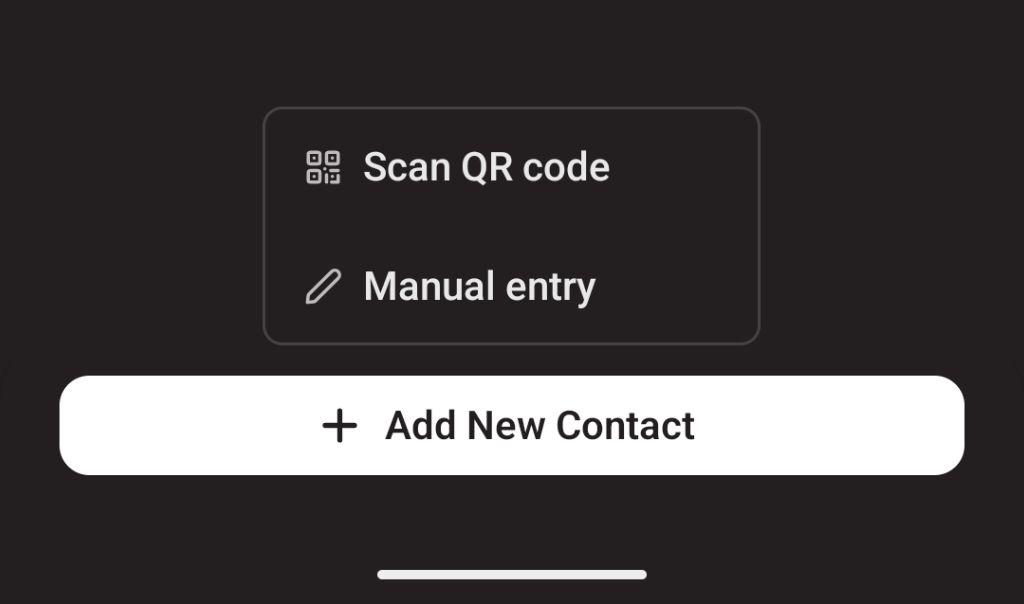
From there, you can choose to scan a QR code to add an address, or paste one in manually.
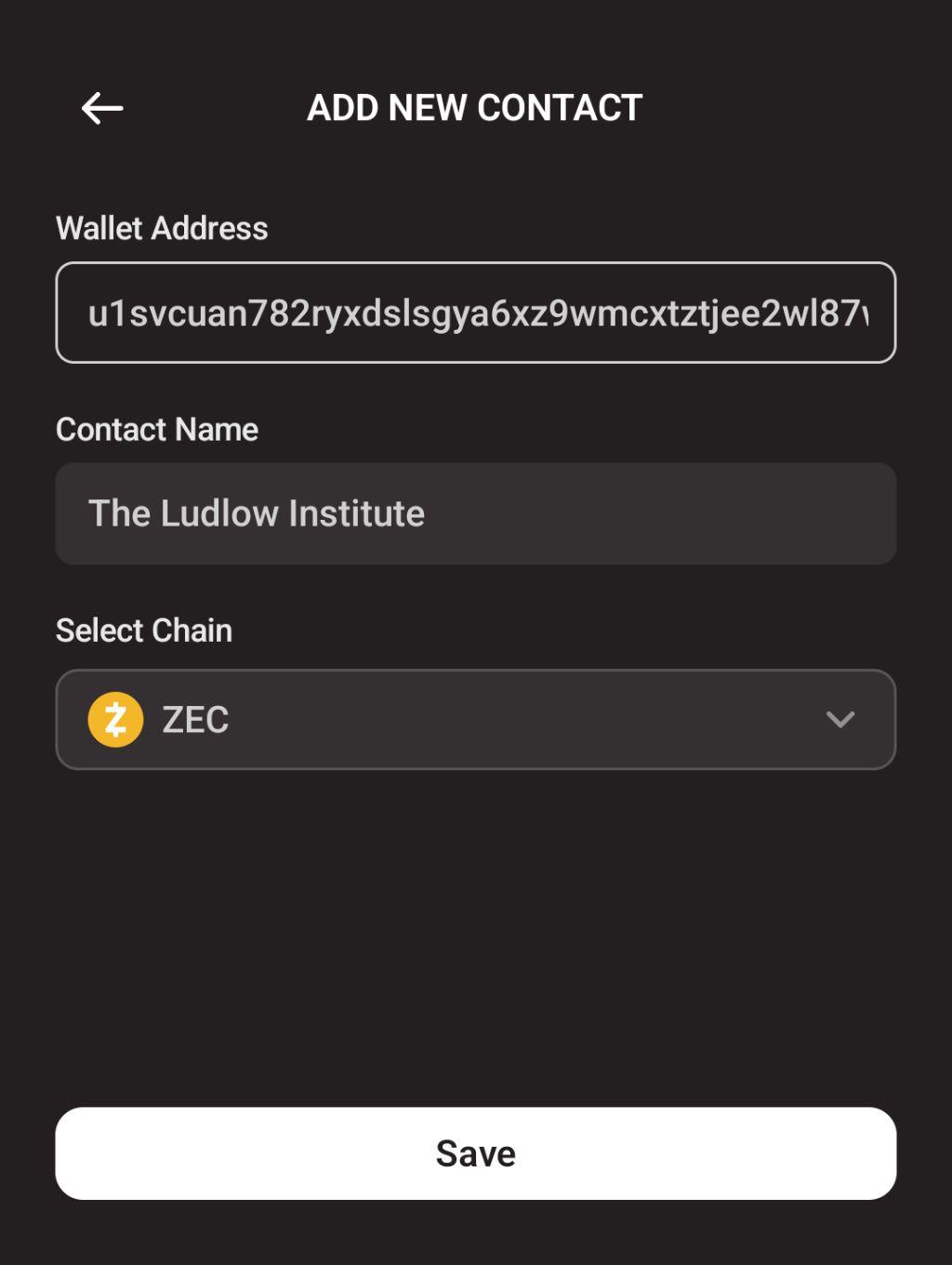
Once scanned or pasted, add a contact name and specify the chain (if not automatically detected).
Saving a recent transaction's address to your book
If you just sent a transaction to someone and would like to save their address, tap on the transaction in your Zashi Activity list, then tap 'Save address'.
