Depositing from an exchange
If you have Zcash on an exchange, you can take custody of your ZEC by withdrawing it to Zodl, and thereafter shield it to use it privately.
Some exchanges, like Gemini, allow withdrawals directly to your shielded address.
However, most exchanges only support withdrawals to transparent addresses.
If you provide your shielded address to an exchange and receive a message such as 'invalid address', then this is a sign you'll need to provide them with your transparent address.
Obtaining your Transparent address
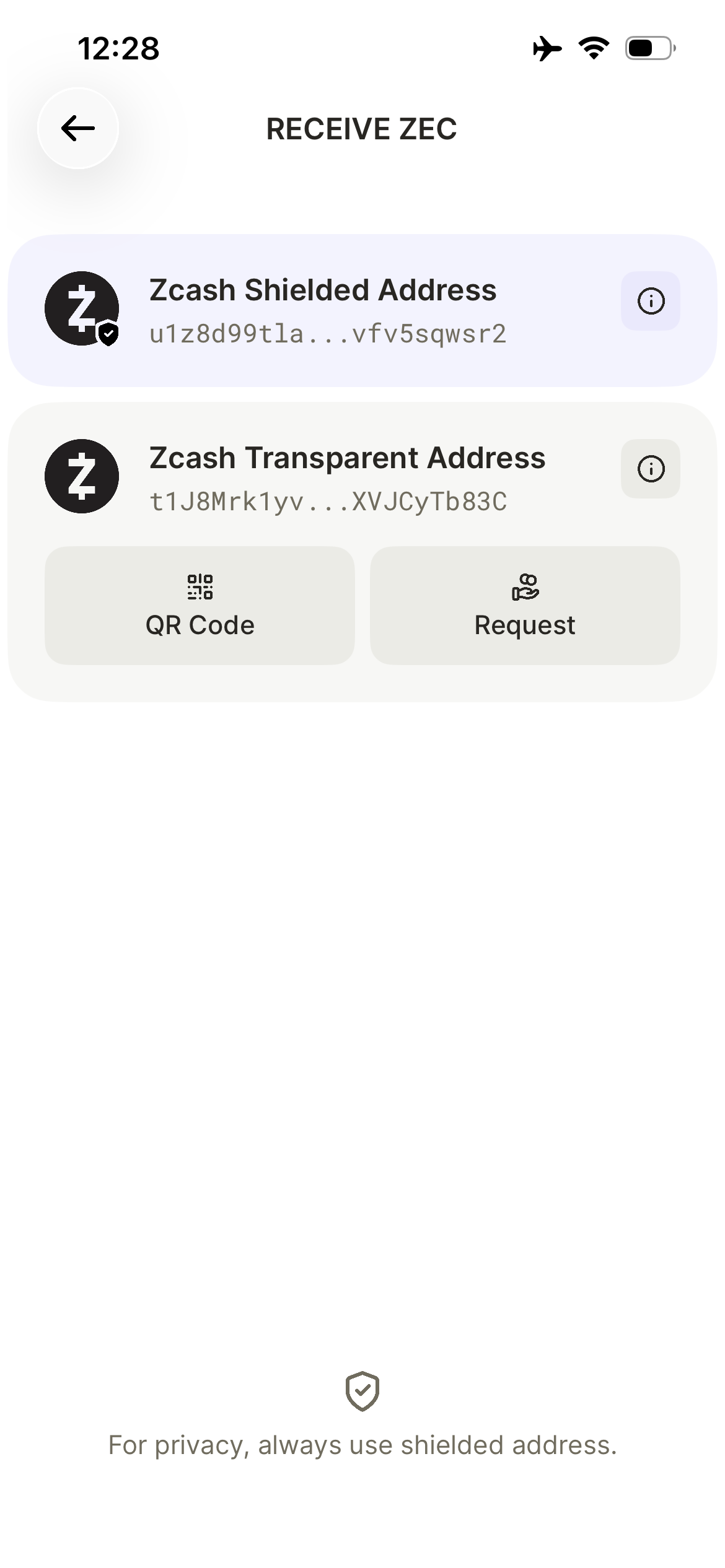
In Zodl, tap the Receive button > Transparent Address > QR Code
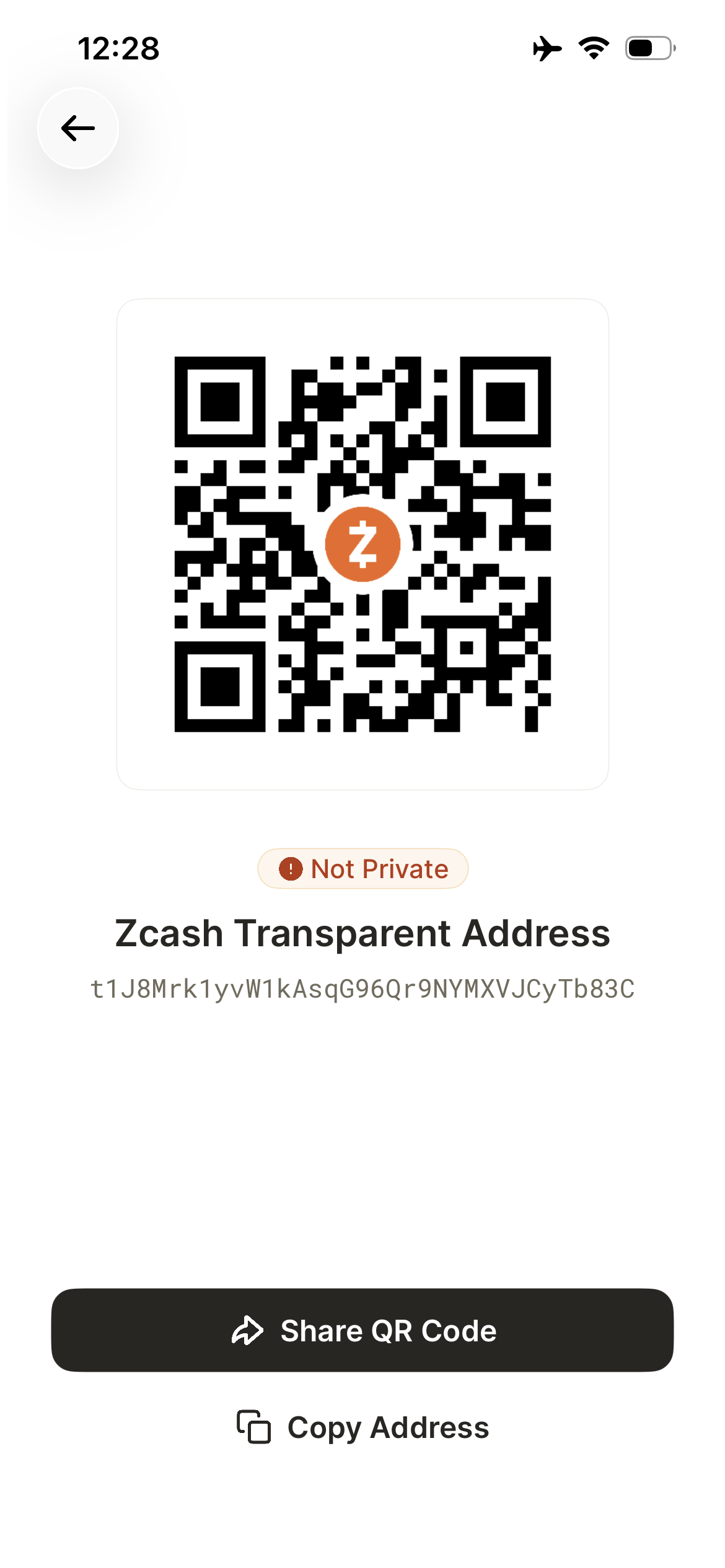
On the QR code screen, tap 'Copy Address'.
Transparent deposits are public
Deposits to your transparent address are public, like in Bitcoin.
Be aware that anyone with your transparent address will be able to see the deposits which have been made to it.
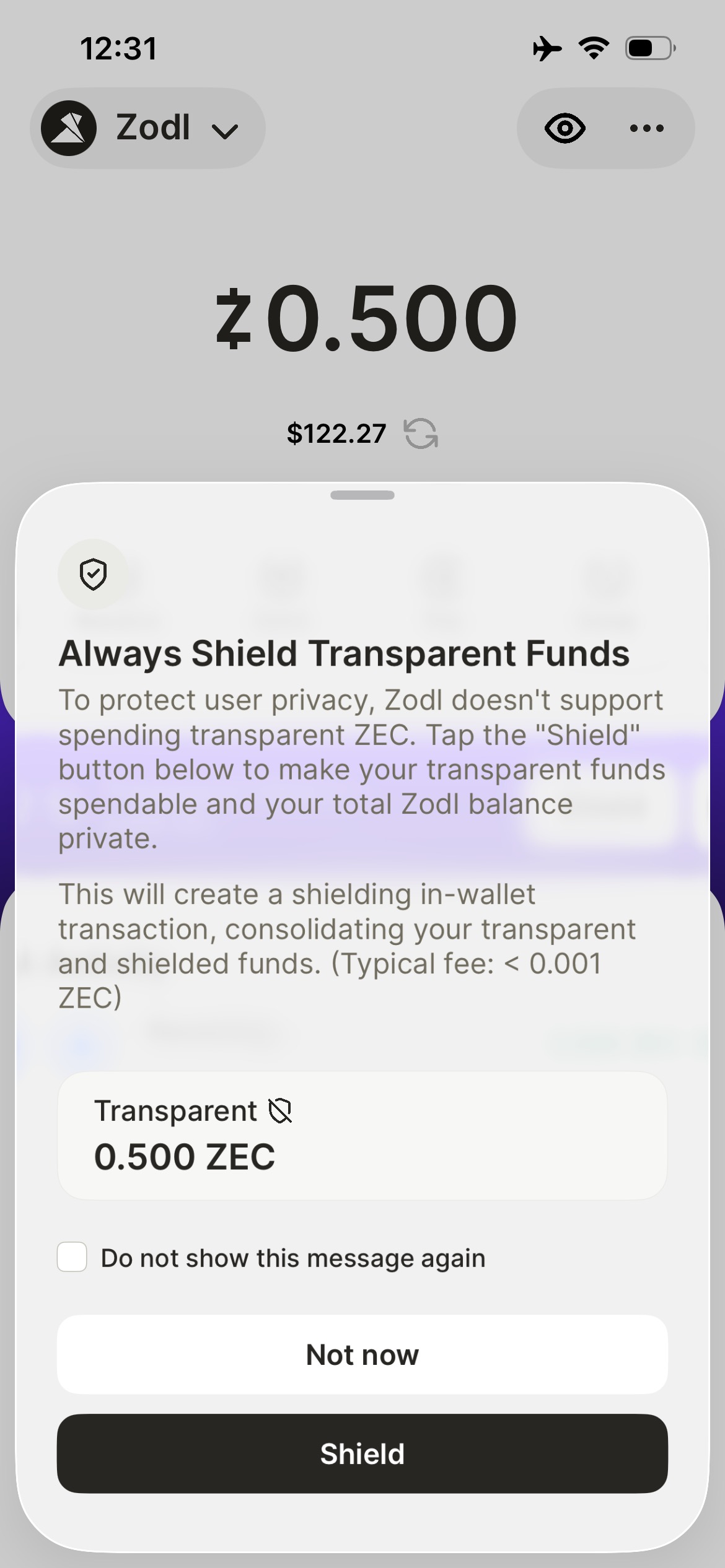
However, Zodl requires that you shield all incoming deposits prior to spending them, ensuring that how you spend your funds is thereafter private.
Shielding funds
Upon receiving a deposit from an exchange, Zodl's widget will notify you it's detected a transparent balance.
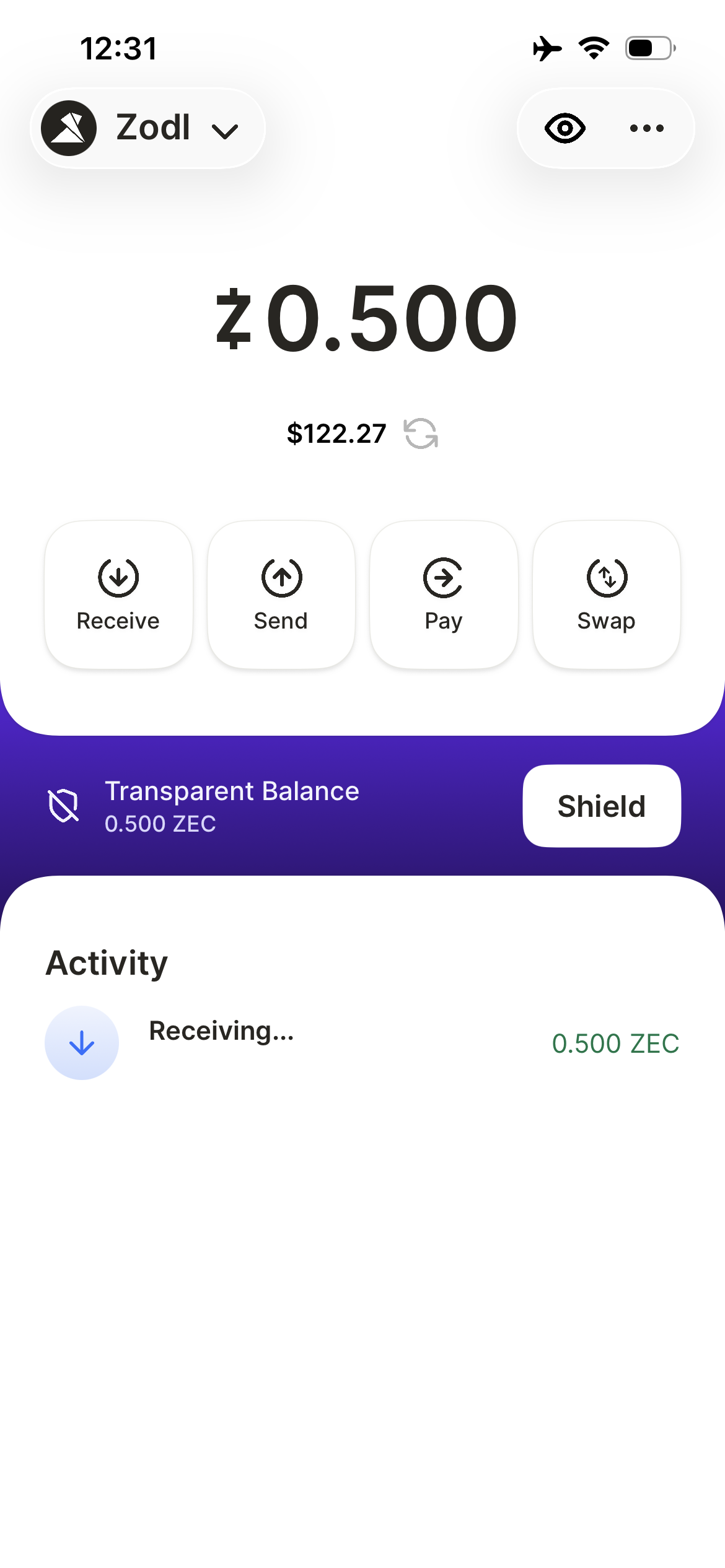
Tap 'Shield' and your funds will be sent to your shielded address.