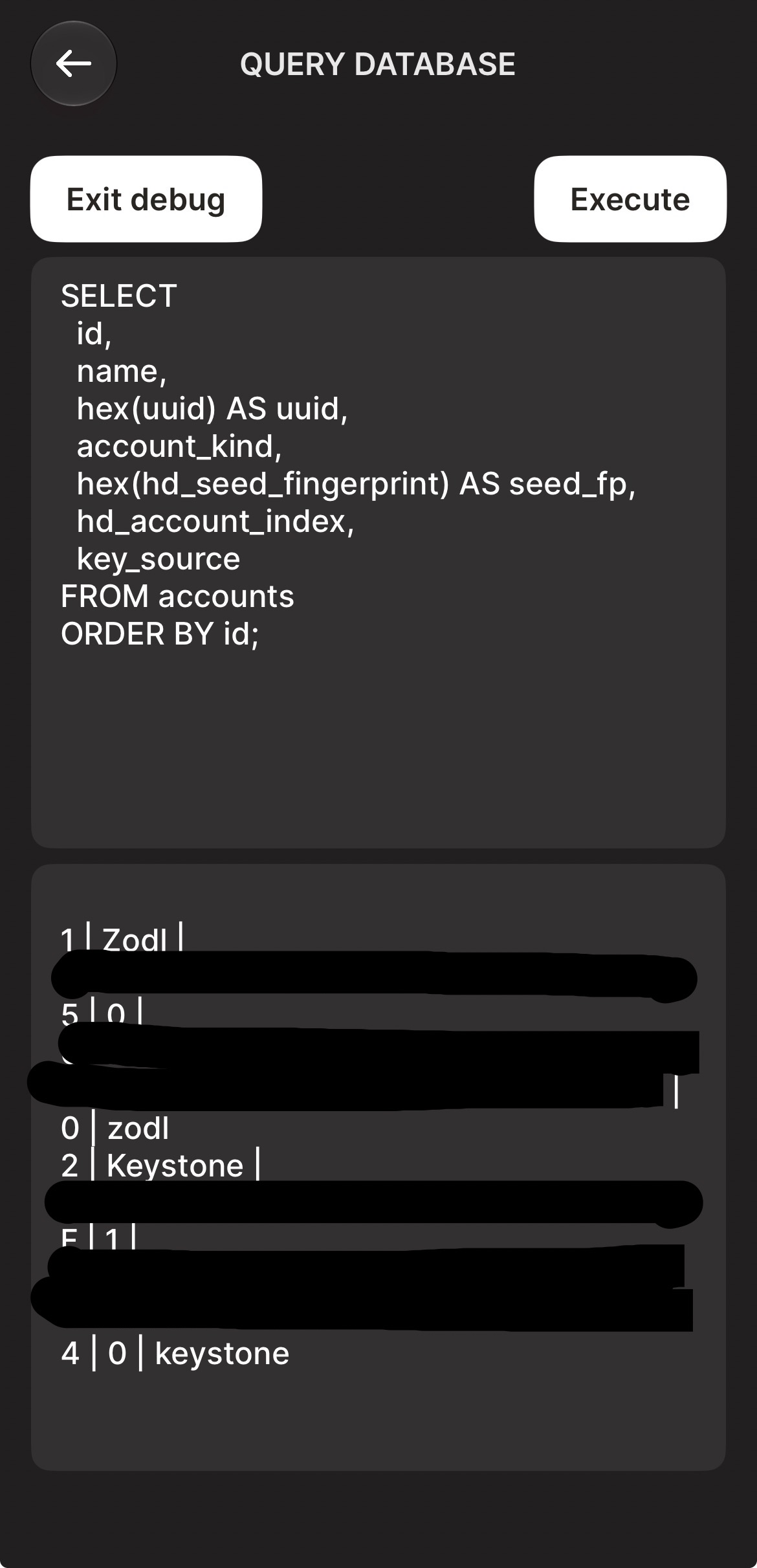
Accessing the debug menu
Within Zodl, there's a method to enter a screen which allows you to run database commands and receive their output.
This can be helpful to obtain certain debugging information for the purposes of support.
However, this process can also display highly sensitive information, including viewing keys. If asked to run any command on this screen, be certain you are actually speaking to ZODL.
Accessing the menu
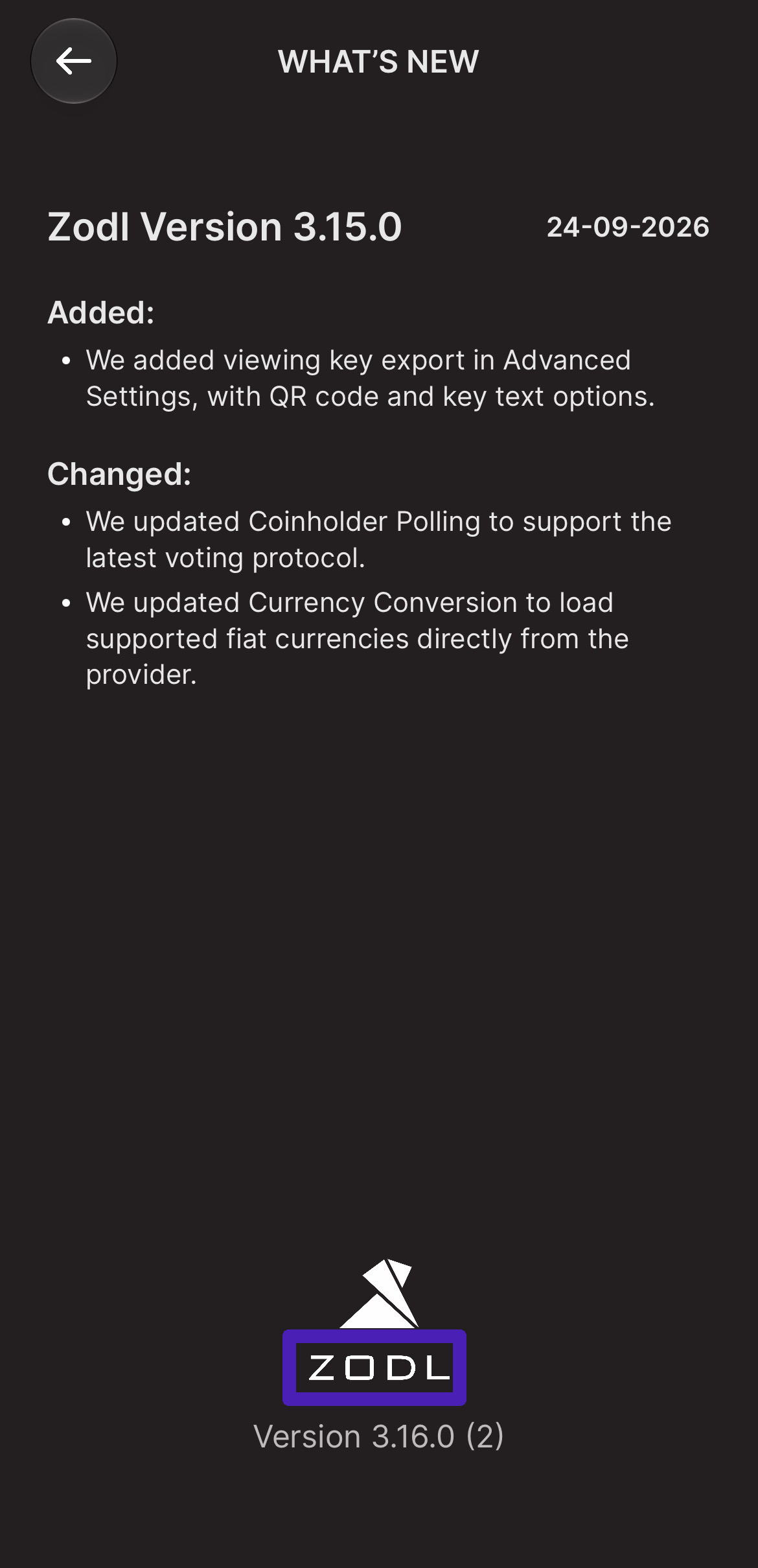
Navigate to '...' > More > What's New.
Long-press on the 'ZODL' name within the logo at the bottom of the screen.
Running a debug command
In the upper-half, paste the full command that you were provided. (Do not type it out, as this will result in mistakes and commands must be exact.)
Tap 'Execute'.
In the lower-half, the ouput will appear. Double-tap here and select 'Select all' and then copy.
Paste the output in your reply to us. (Screenshots will likely result in partial results. Please ensure all of the output is copied.)