
What's the status of my swap?
If you've placed a deposit for a swap, you can view more details about its current status on the NEAR Intents Explorer:
https://explorer.near-intents.org/
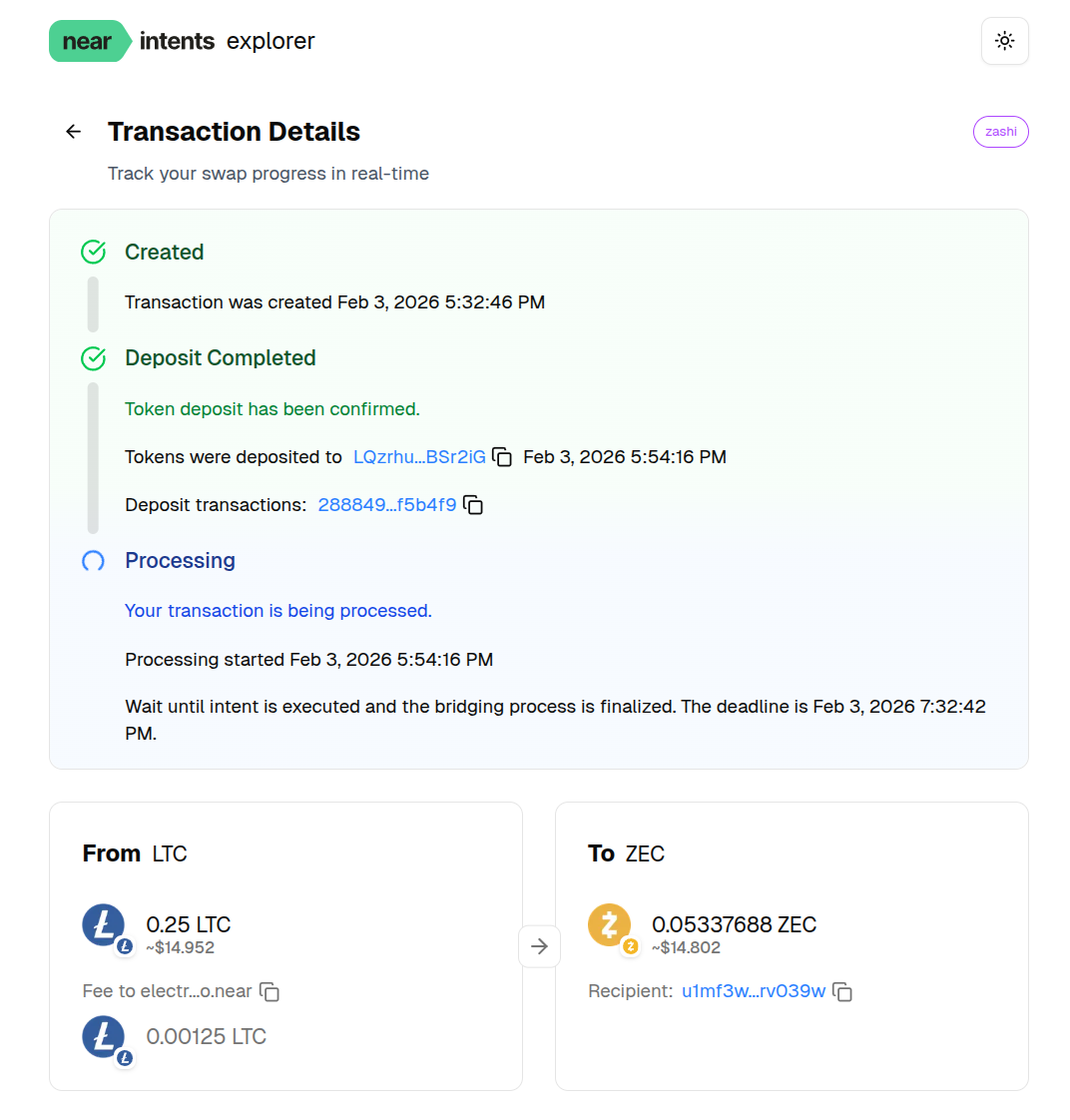
On the site's search box, paste the deposit address you received for the swap. This can be found in the transaction detail upon tapping on the swap's entry in your Zashi Activity list.

You'll first want to look for an indication that your deposit has completed ('Token deposit has been confirmed').
Typically, if you've yet to receive your funds, you'll see a further indication that it's processing ('Your transaction is being processed').
Swap validity
Swaps are valid for 24 hours after creation. You have that time to fully deposit your funds.
Deposits will need to be exact for the swap to be fulfilled. So if you see notice that a 'partial deposit' was received, you have until the deadline listed on the explorer to send a follow-up transaction to the same deposit address so that the full amount is deposited.
If a refund is needed
In the event a refund is needed, please see our article on obtaining a refund for your swap.