
Swapping into ZEC
With Zodl's Swap feature, you can seamlessly convert dozens of coins and tokens into shielded ZEC.
Swaps leverage our integration with NEAR Intents, where independent market makers compete to fill your order at the best rate and settlement is enforced on-chain by smart contract – no account or signup required.
Furthermore, your ZEC is deposited directly to a fresh shielded address in Zodl, so no information about your Zcash balances, history, or addresses appear on the blockchain.
Learn more from our announcement.
Important notes
Swaps are subject to NEAR's Terms of Service.
It is critical to verify the asset and network you have selected and are sending a deposit upon. NEAR is not responsible if you send the wrong asset or upon the wrong network (e.g., Arbitrum vs. Base), though NEAR can generally refund missent funds if the value of the funds are 300 USD or greater.
How it works
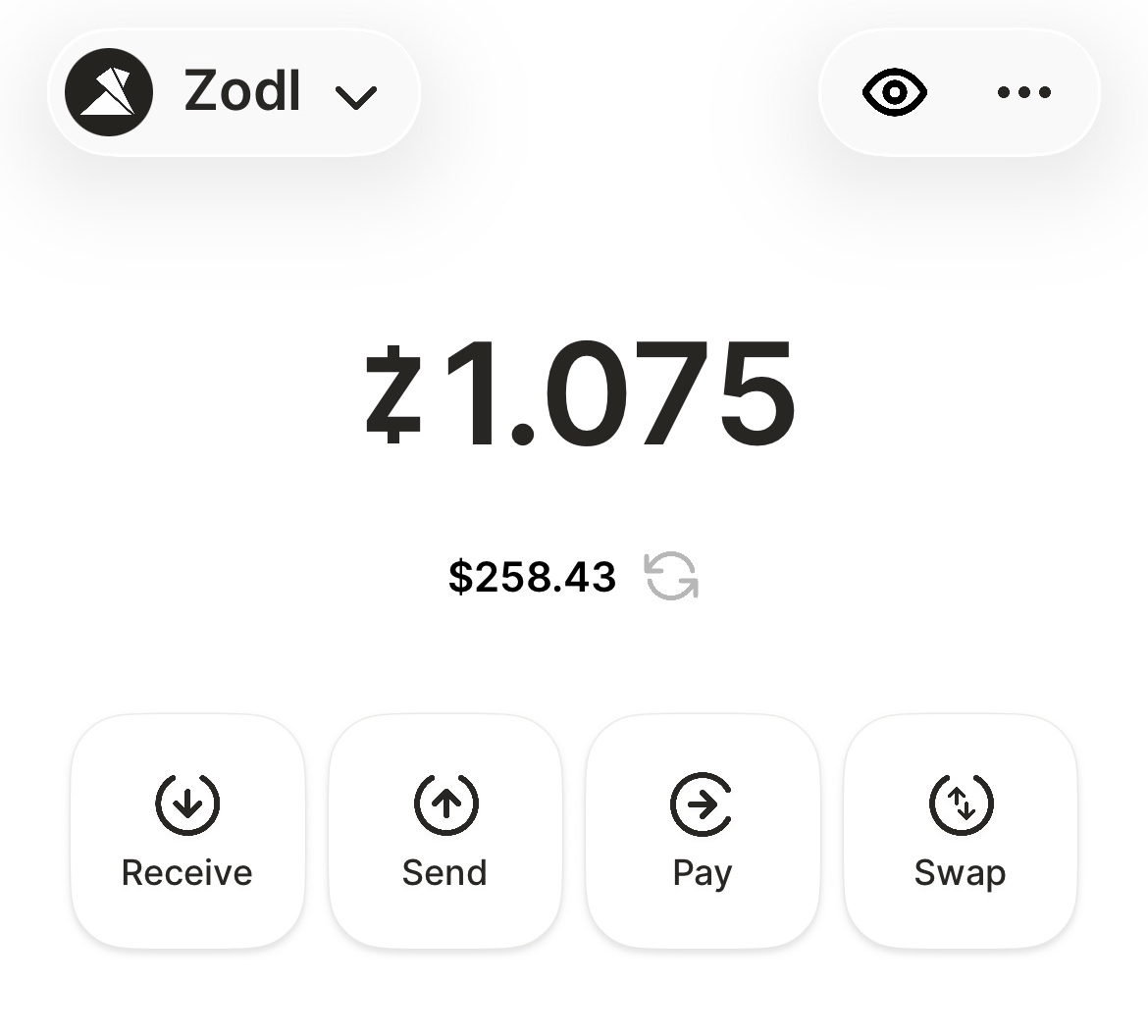
Open Zodl and tap Swap.
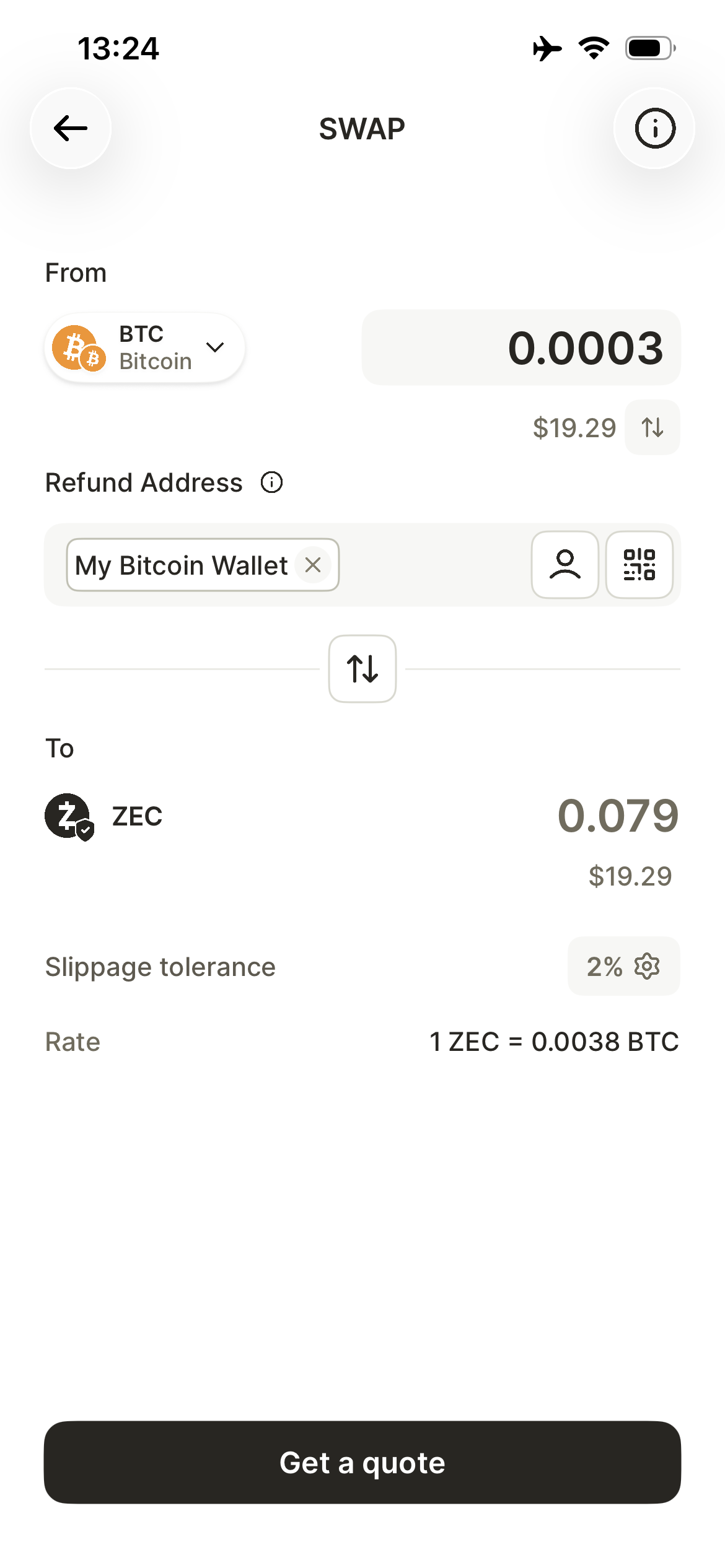
Choose your source crypto (e.g., BTC, USDC) and enter the amount.
⚠️ Note: Be sure to choose the correct token on the correct network that you wish to swap. For example, if you have USDC on Arbitrum, ensure you're choosing the Arbitrum option among the USDC listings.
Provide a refund address (the wallet address where funds return if the swap fails).
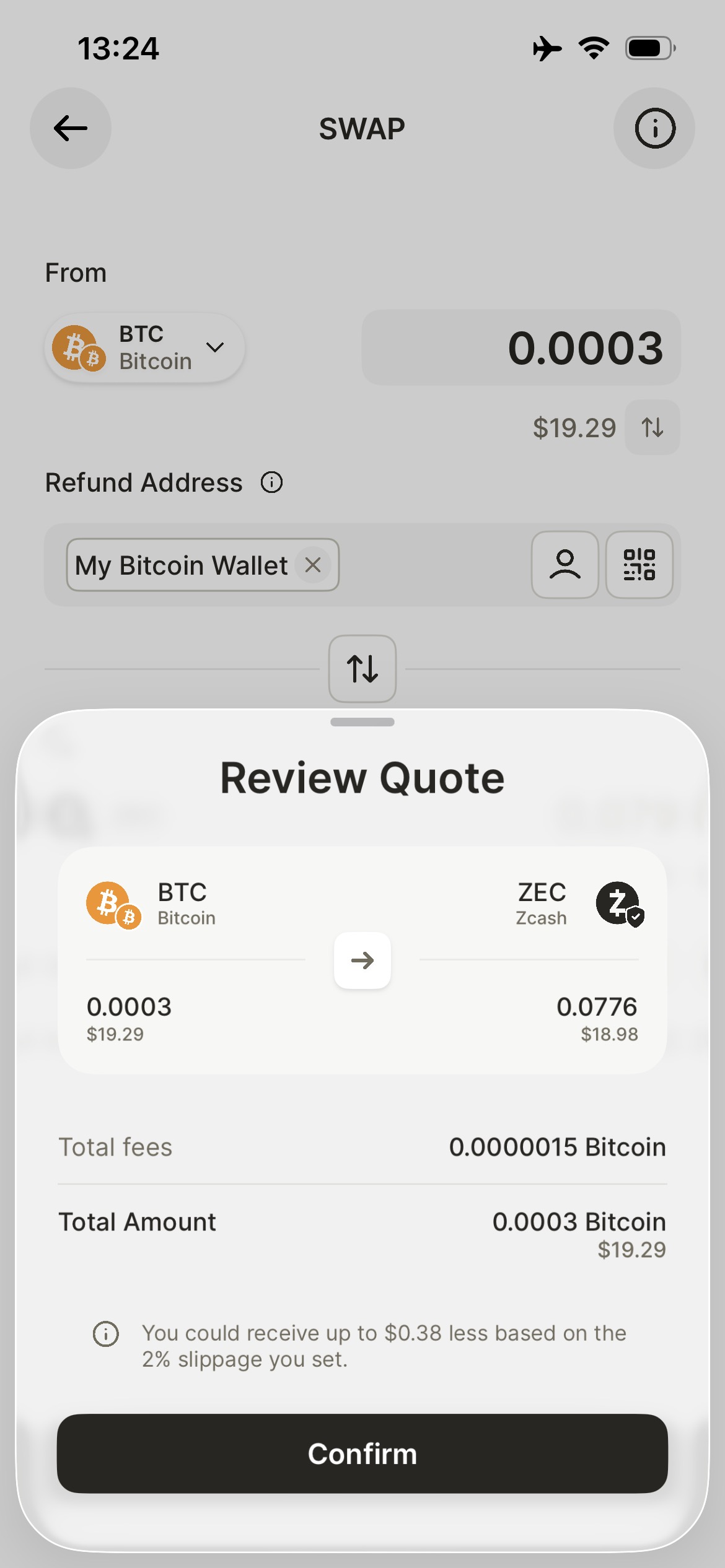
Review the quote and confirm.
Scan the QR code with your external wallet holding the source crypto.
⚠️ Note: Send the exact deposit amount requested (and on the correct network). Sending less than this will require you to place a follow-up transaction for the remainder, or your deposit will be refunded after the swap expires.
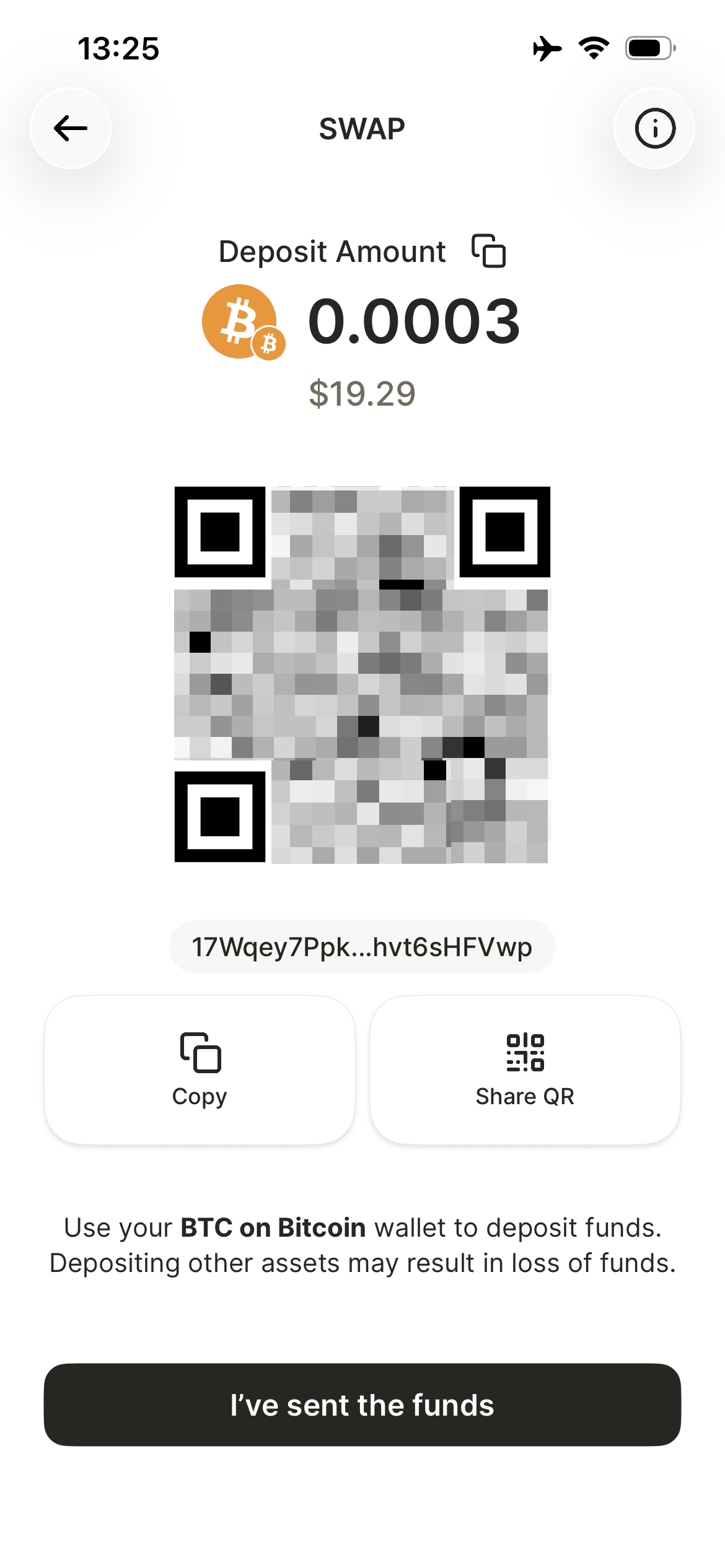
Complete the transaction in your external wallet, and tap 'I've sent the funds'.
Status and completion
Swaps are typically completed in just a few minutes. View the status of your swap in your Zodl Activity list.
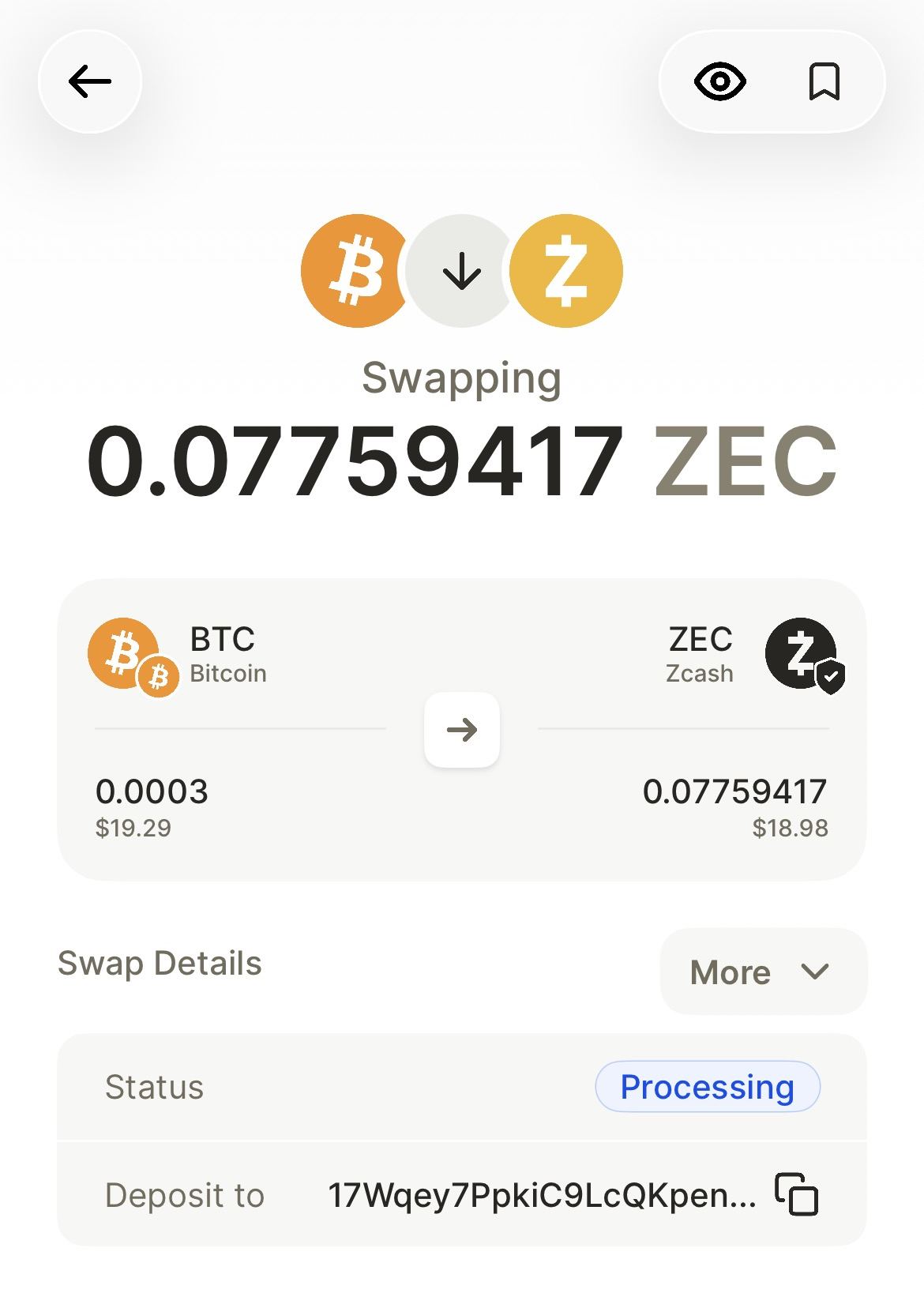
Once complete, you'll see the funds land in your Zodl wallet.
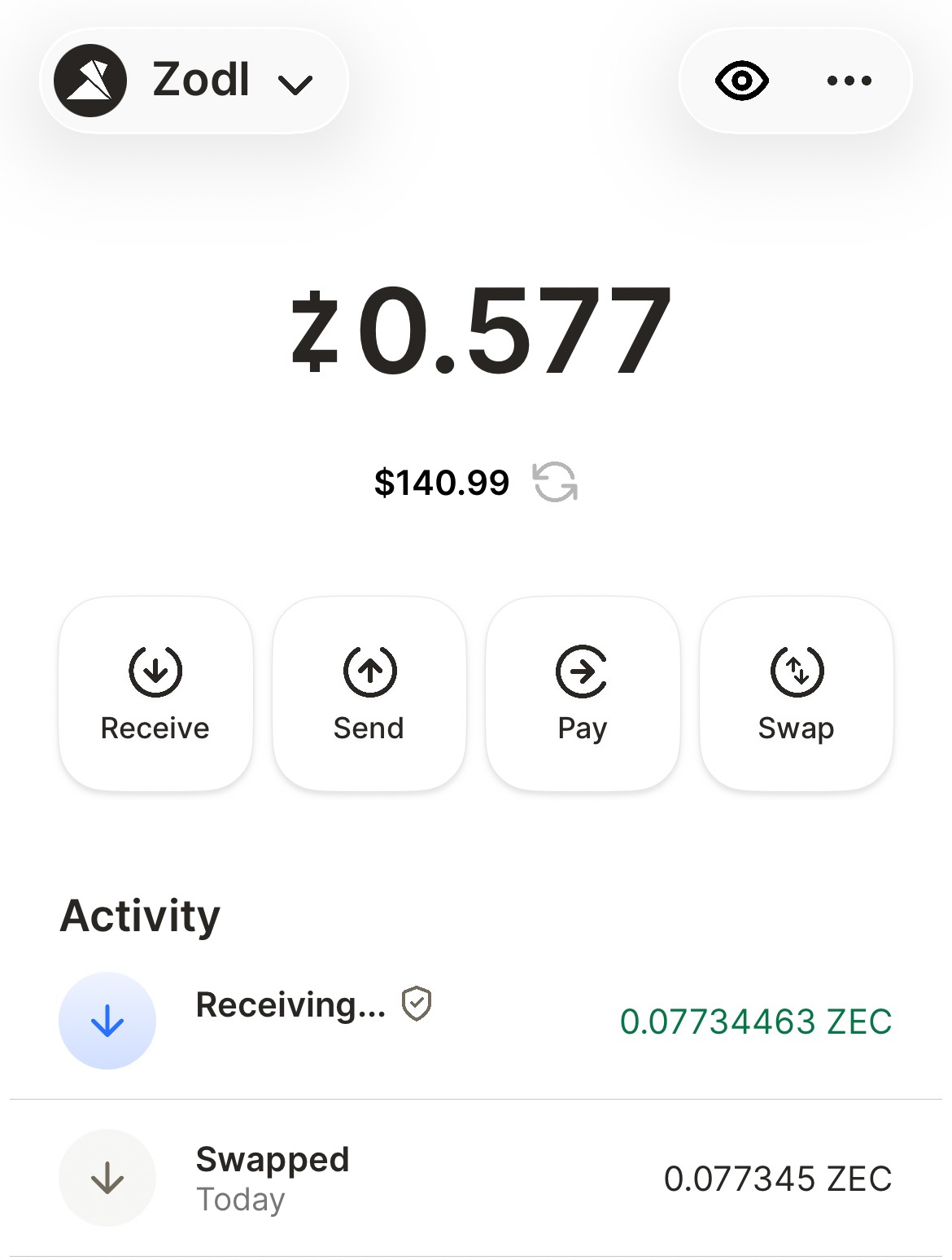
Depending on the market, amount, and chosen slippage though, it may take a little longer. See our article on checking your swap's status for more details.